

December 5, 2025
nethulilesha@gmail.com
SIM Cards, eSIM and Data: Staying Connected
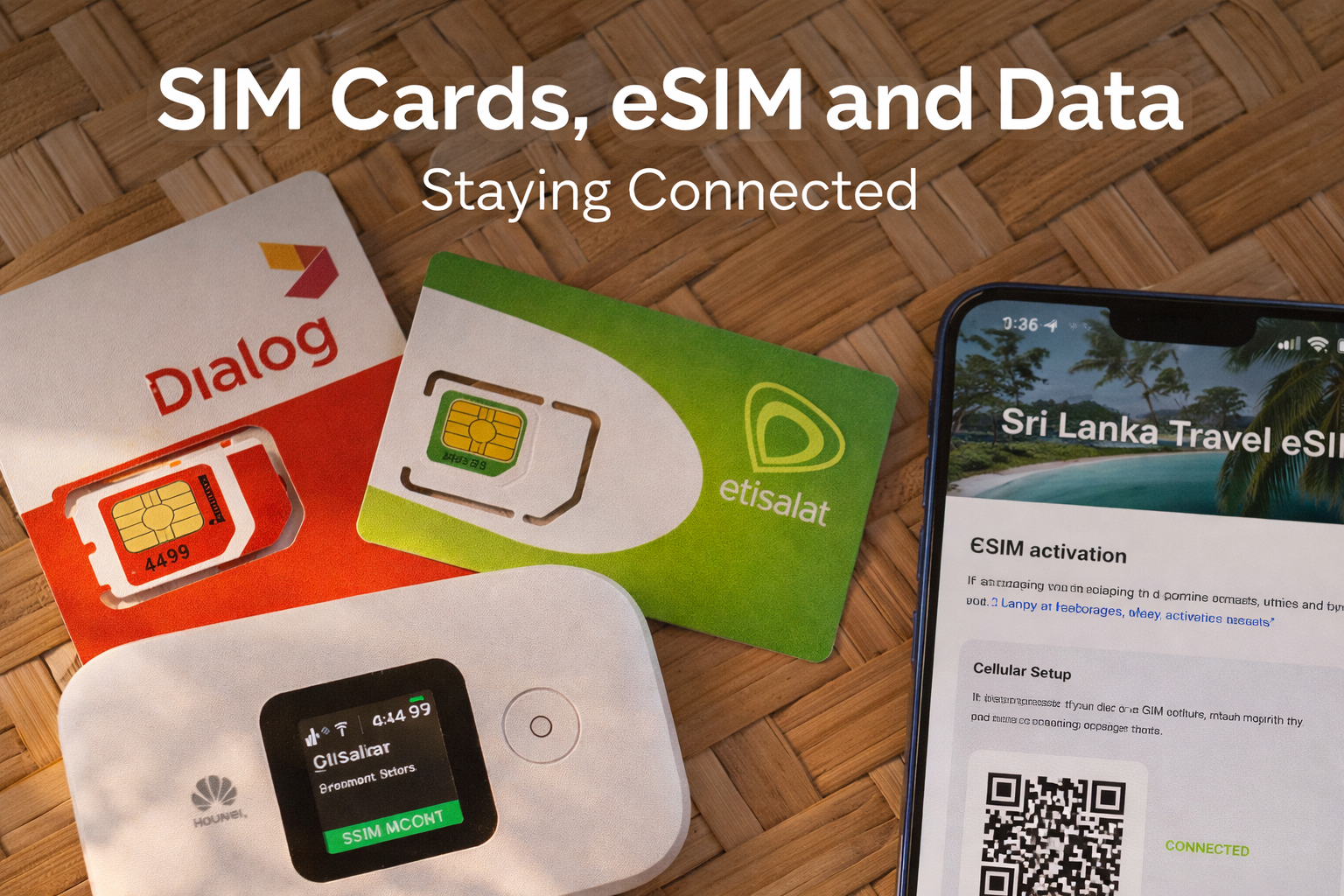
SIM Cards, eSIM and Data: Staying Connected
Get online fast on arrival. This guide explains SIM vs eSIM, where to buy, what to bring, how to top up and how to set your phone so maps, WhatsApp and ride apps work smoothly across Sri Lanka.
Planning
Connectivity
eSIM
Hotspot
Family
Quick answer
- Most travellers buy a local SIM or eSIM at the airport or a main city store. Bring your passport and an unlocked phone.
- Choose a plan with enough data for maps, photos and ride apps. 10 to 20 GB covers typical 1 to 2 week trips if you use hotel Wi-Fi at night.
- Set the local line for mobile data. Keep your home line for WhatsApp and SMS codes if needed, with data roaming off.
Who should choose what
eSIM
- Instant setup on supported phones. No physical card.
- Keep your home SIM active for banking codes and WhatsApp.
- Best for multi-country trips and minimal packing.
Physical SIM
- Works on any unlocked phone with a SIM slot.
- Easy top-up anywhere. Good if your device does not support eSIM.
- Carry a SIM tool or paperclip for the tray.
What you need to buy
- Passport for real-name registration.
- Unlocked phone. Ask your home carrier to unlock before travel.
- Preferred line settings ready. On iPhone: Settings → Cellular → Set default for Data. On Android: Settings → Network & Internet → SIMs → Mobile data.
Where to get it
- Airport arrivals counters are the simplest. Staff will register and install. Plans are tourist friendly.
- Main city stores in Colombo, Kandy, Galle, Jaffna and regional hubs offer full services including eSIM activation and replacements.
- Top-ups are sold at supermarkets, corner shops and via official apps and web portals.
Major mobile networks
- Dialog and SLT-Mobitel have broad nationwide coverage including many rural highways.
- Airtel and Hutch serve towns and tourist corridors. Coverage in remote valleys or dense rainforest can be lighter.
- For deep nature travel or long road days, pick one of the two largest networks for the most consistent signal.
How to set up an eSIM (5 steps)
- At the counter, show your passport and request eSIM. Confirm your phone supports eSIM.
- Staff will create your profile and give a QR code. Keep a photo of this code until activation completes.
- Scan the QR. Name the line “Sri Lanka”. Set it as the mobile data line. Keep your home line for calls and SMS only.
- Turn off data roaming for your home line. On iPhone also disable “Allow Mobile Data Switching” if you want data to stay on the eSIM only.
- Test with a speed check or maps. If data does not start, toggle Airplane mode or restart.
How to set up a physical SIM (4 steps)
- Insert SIM and reboot. Most phones auto-load APN settings.
- Go to SIM settings and select the Sri Lanka SIM for mobile data.
- If data does not load, ask staff to set the APN or use the operator’s quick configuration SMS or app.
- Store your original SIM somewhere safe. Label envelopes to avoid mix-ups.
How much data do you need
- Maps and ride apps: about 0.2–0.5 GB/day with normal use.
- Photo sharing and messaging: about 0.3–1 GB/day depending on video.
- Remote work or frequent hotspot: consider 20–30 GB for 2 weeks.
Hotspot and tethering
- Personal hotspot is commonly allowed on local plans. Battery drains faster; carry a power bank on safari or train days.
- For families, one large data plan shared by hotspot keeps costs simple. Set a hotspot password and switch it off when not in use.
Top up and manage
- Reload at shops with printed receipts or via the operator app using a card.
- Data add-ons are available if you run low. Many plans let you roll over if you extend your stay.
- Keep a small cash note float for kiosks in rural areas.
Coverage tips by region
- Hill Country can be patchy in valleys and on train segments. Preload offline maps for long rail days.
- National Parks have variable signal away from gates. Download tickets and keep meeting points confirmed before entry.
- East & North coasts usually have good town coverage. Early mornings are calm for boat trip confirmations by phone.
Messaging, calls and apps
- WhatsApp continues to work with your home number. You can keep chats and use the local data line.
- If you must change numbers inside WhatsApp, use “Change Number” and notify important contacts.
- Install ride apps and offline maps before arrival. Sign in while on hotel Wi-Fi to avoid SMS delays.
Troubleshooting
- No data after activation: toggle Airplane mode, then restart. Check the correct line is set for mobile data.
- Slow speeds: switch between 4G and 5G in settings or move to higher ground in hilly areas.
- Lost eSIM profile after reset: visit an operator store for a new QR. Old QR codes usually cannot be reused.
Safety and privacy
- Buy only from official counters and branded stores. Ensure the SIM is registered to your name and get a receipt.
- Avoid public Wi-Fi for banking. Use mobile data or a trusted VPN.
- Do not share your one-time codes with anyone claiming to be support staff.

FAQs
- Can I keep my home SIM active Yes. Set the local line for data and turn data roaming off on the home line.
- Can I use one eSIM on two phones No. One eSIM profile works on one device at a time.
- Do I need a local number for hotel or safari pickups Helpful but not essential. Your driver can call your WhatsApp if both sides have data.
- What if my phone is locked Use a pocket Wi-Fi from your hotel or ask your carrier to unlock before travel.